
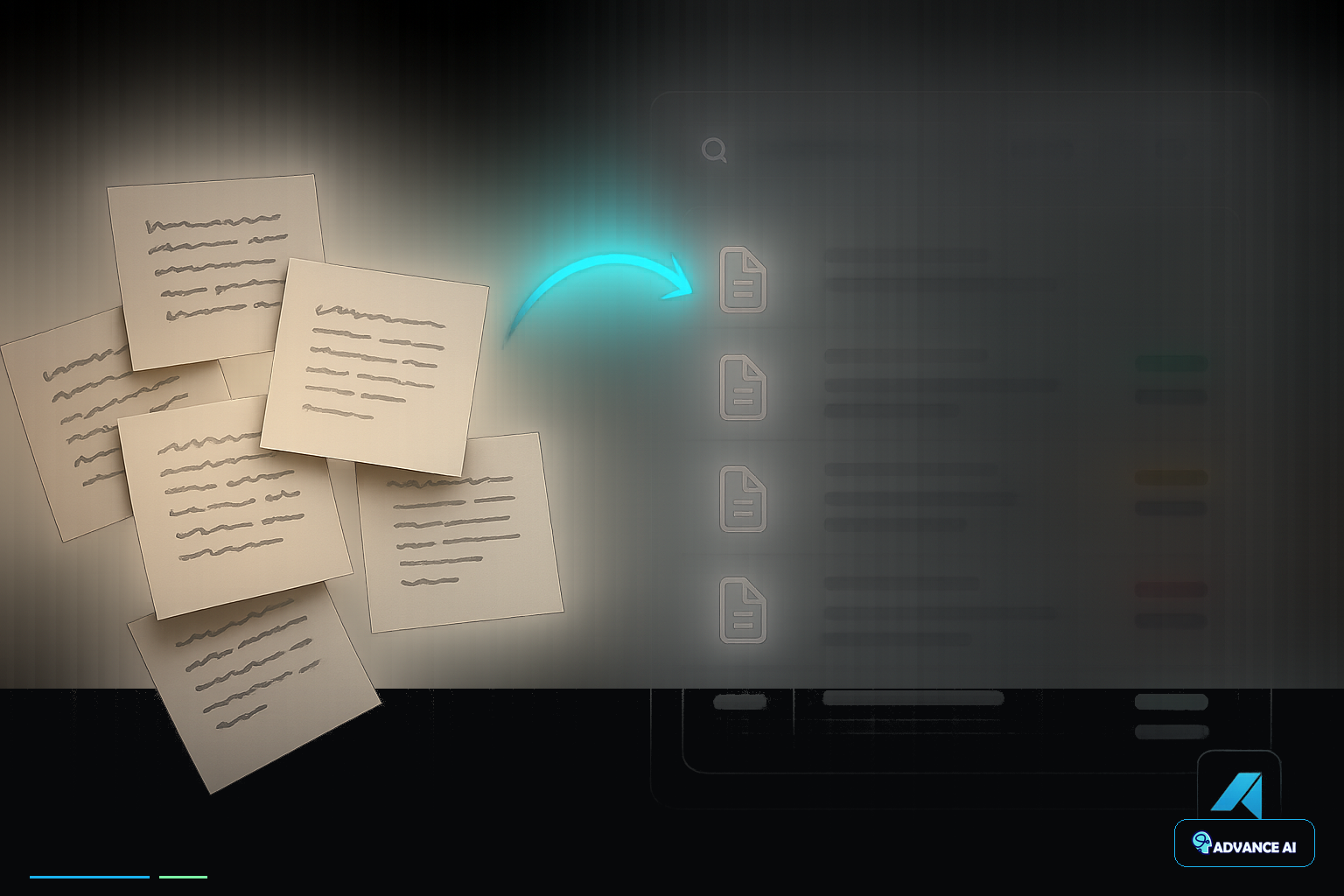
I've spent the last decade watching small businesses drown in their own paper trails. Sticky notes covering monitors, legal pads stacked on desks, napkins with million-dollar ideas scrawled in coffee shops – it's chaos disguised as productivity. When Google launched Gemini's paper note digitization feature, I knew we had finally reached a tipping point where AI could actually solve this fundamental business operations problem without requiring a computer science degree.
The reality is brutal: most small businesses lose critical information daily because their note-taking systems are stuck in the analog age while their competitors leverage digital workflows. In our work with small businesses, we see that digitizing your paper notes isn't just about going paperless – it's about building a knowledge management system that actually scales with your business growth.
What is Gemini's Paper Note Digitization Feature
Gemini's paper note digitization goes beyond basic OCR scanning. This AI system can interpret handwritten notes, sketches, diagrams, and even margin scribbles, then convert them into searchable, editable digital formats. What makes this particularly powerful for business operations is Gemini's ability to understand context – it recognizes when you've written a phone number, action item, or project deadline, then structures that information accordingly.
The technology uses advanced computer vision combined with natural language processing to not just read your handwriting, but understand what your notes mean. When you photograph meeting notes from a client consultation, Gemini doesn't just transcribe the words – it identifies follow-up tasks, extracts contact information, and can even suggest next steps based on the conversation content.
Here's what sets this apart from traditional document scanning: Gemini maintains the spatial relationships in your notes. If you drew arrows connecting ideas or circled important points for emphasis, the AI preserves those visual cues in the digital version. For small business owners who think visually and use diagrams to solve problems, this capability is transformative.
The system integrates directly with Google Workspace, meaning your digitized notes automatically sync with your existing business tools. No additional software purchases, no learning new platforms – just enhanced functionality within systems you're already using daily.
Why Small Businesses Need Digital Note Management
Small businesses operate differently than enterprises. You don't have dedicated IT departments or document management specialists. Every piece of information – from supplier contact details to customer preferences – often lives in someone's handwritten notes. This creates massive operational vulnerabilities that most business owners don't recognize until it's too late.
Consider what happens when your top salesperson leaves and takes their notebook full of client insights with them. Or when you're trying to remember which vendor gave you that competitive pricing quote from three months ago, but the sticky note disappeared somewhere between your desk and your car. These aren't hypothetical scenarios – they're daily realities that cost small businesses thousands in lost opportunities and duplicated efforts.
Digital note management solves three critical business problems simultaneously. First, it creates institutional knowledge that survives employee turnover. When notes are digitized and properly organized, your business intelligence doesn't walk out the door with departing team members. Second, it enables real-time collaboration. Multiple team members can access, update, and build upon the same information without playing telephone tag or scheduling meetings just to share what someone wrote down.
Third, and this is where most small business owners underestimate the impact, digitized notes become searchable business intelligence. Instead of spending twenty minutes digging through papers to find a customer's specific requirements, you can search and retrieve that information in seconds. That time savings compounds daily across every team member, every client interaction, and every business decision.
The competitive advantage becomes obvious when you can instantly access six months of customer feedback patterns to inform product development, or quickly pull up all notes related to a specific project to onboard new team members. Your competitors are still rifling through file cabinets while you're making data-driven decisions in real-time.
Step-by-Step Guide to Digitizing Notes with Gemini
Getting started requires more strategy than most tutorials suggest. Don't just start photographing every piece of paper on your desk – that creates digital clutter instead of solving the underlying organizational problem.
Begin by categorizing your existing paper notes into three groups: active projects, reference materials, and archive items. Active projects include anything you're currently working on or will need within the next thirty days. Reference materials are items you access regularly but don't change frequently – think vendor contact lists or standard operating procedures. Archive items are historical records you might need for legal or compliance reasons but rarely access.
Start with active projects first. Open Google Keep or Google Docs on your mobile device and use the camera function to capture your handwritten notes. The key is consistency in how you frame and light your photos. Hold your device directly above the paper, ensure even lighting without shadows, and capture one page at a time rather than trying to photograph multiple pages simultaneously.
When Gemini processes your notes, it will offer to transcribe the handwritten text and suggest organizational tags. This is where the real value emerges – don't just accept the default transcription. Review the AI's interpretation and add context that might not be obvious from the handwriting alone. If you wrote "Call Sarah about Q4," expand that to "Call Sarah Johnson at Premier Supplies about Q4 inventory planning – she mentioned potential 15% discount for early orders."
For notes containing diagrams or sketches, use Gemini's annotation features to add digital labels and explanations. The AI can recognize that you've drawn a flowchart or organizational structure, but adding clear digital labels makes these visual notes infinitely more useful for team members who weren't present during the original brainstorming session.
Create a consistent naming convention before you digitize more than a few pages. Include the date, project name, and note type in every file name. "2024-01-15_ClientMeeting_ABC_Corp_Requirements" is infinitely more useful than "Meeting Notes" when you're searching for specific information six months later.
Set up automated backup and sync across all devices your team uses. The worst-case scenario is digitizing hundreds of pages only to lose everything when someone's phone breaks or laptop crashes. Google's cloud integration handles most of this automatically, but verify that your digitized notes are actually syncing to your business Google Drive account.
Best Practices for Organizing Digitized Business Notes
Organization makes or breaks digital note systems. I've seen businesses digitize thousands of pages only to create searchable chaos instead of accessible knowledge. The solution isn't more sophisticated folder structures – it's consistent tagging and cross-referencing that matches how your business actually operates.
Develop a tagging taxonomy based on your business functions, not your personal preferences. Every note should include at least three tags: project or client name, note type (meeting, brainstorm, task list, reference), and priority level or timeline. This creates multiple pathways to find the same information, which is critical when different team members think about projects differently.
For client-focused businesses, tag every note with the client name plus relevant service categories. A note about website updates for Johnson Manufacturing should be tagged with "Johnson_Manufacturing," "Web_Development," and "Active_Project." Six months later, you can find this information by searching for the client name, browsing all web development notes, or filtering active projects.
Create template structures for recurring note types. Weekly team meetings, client consultations, and vendor negotiations follow predictable patterns. Having standardized digital templates makes your notes more comprehensive and ensures you don't forget to capture critical information. When everyone on your team uses the same structure for meeting notes, finding specific details becomes exponentially easier.
Implement regular review cycles where someone systematically updates note statuses and archives completed items. Digital hoarding is just as problematic as physical paper clutter. Set monthly reminders to archive completed projects, update ongoing initiatives, and delete truly obsolete information. This prevents your digital note system from becoming as chaotic as the paper system it replaced.
Cross-link related notes using consistent reference systems. When you create a new note that relates to previous conversations or decisions, include explicit links or references to the relevant existing notes. This creates a knowledge web that captures the evolution of projects and decisions over time, providing invaluable context for future planning and problem-solving.
Cost-Benefit Analysis for Small Business Owners
Let's address the real question every small business owner asks: what's this actually going to cost, and is it worth the investment? The direct costs are minimal – Gemini AI access comes with most Google Workspace subscriptions, and the time investment for initial setup is typically 10-15 hours spread over a few weeks.
The hidden costs matter more. Your team will need time to learn new workflows and adjust existing habits. Expect some resistance from team members who prefer handwritten notes, and plan for a learning curve where digital processes initially feel slower than familiar paper methods. This transition period typically lasts 3-4 weeks for most small business teams.
The benefits compound quickly once your system reaches critical mass. Time savings become immediately apparent – searching digital notes takes seconds compared to minutes of physical searching. More importantly, you'll start capturing and retaining information that previously disappeared. Customer preferences, vendor negotiations, and project insights that once lived only in someone's memory now become permanent business assets.
Consider the revenue protection aspect. How much business do you lose when key information gets misplaced? How many opportunities do you miss because you can't quickly access relevant background information during client conversations? For most small businesses, preventing just one significant missed opportunity or client miscommunication pays for the entire digitization effort.
The scalability benefits emerge over time. As your business grows, digital notes enable new team members to quickly access institutional knowledge instead of requiring weeks of informal knowledge transfer. You can onboard clients faster because their entire history is searchable and accessible, and you can make better strategic decisions because you have comprehensive data about past successes and failures.
Factor in the competitive advantage of appearing more professional and organized to clients. When you can instantly reference previous conversations, quickly access project details, and provide comprehensive follow-up documentation, you differentiate yourself from competitors who are still fumbling through paper files during client meetings.
Getting Started: Implementation Tips for Your Team
Implementation success depends more on change management than technology adoption. Your team's biggest challenge won't be learning to use Gemini – it will be consistently choosing digital capture over familiar paper habits during busy, stressful workdays.
Start with a pilot program involving your most tech-comfortable team members and your most critical business processes. Don't try to digitize everything immediately. Choose one specific type of note – client meeting summaries or project brainstorming sessions – and perfect that workflow before expanding to other areas.
Create physical reminders that prompt digital behavior. Place small signs near meeting areas reminding people to digitize notes immediately after conversations end. The longer handwritten notes sit on desks, the less likely they are to get properly digitized and organized. Make note digitization part of your standard meeting wrap-up process, not a separate task people remember to do later.
Establish clear ownership and accountability for note quality. Assign specific team members to review and enhance AI transcriptions, ensuring that digitized notes meet your business standards for completeness and accuracy. This prevents the common problem where people assume AI transcription is perfect and don't add the contextual information that makes notes truly useful.
Integrate digitized notes into your existing business processes rather than creating separate workflows. If you currently review project status in weekly meetings, make sure digitized notes are easily accessible during those meetings. If you use specific software for client management, ensure your digitized notes can integrate or link to those existing systems.
Measure adoption and impact systematically. Track how much time your team spends searching for information, how often critical details get missed or forgotten, and how quickly new team members can access necessary background information. These metrics will help you refine your processes and demonstrate ROI to skeptical team members.
Plan for the inevitable technology hiccups. Ensure multiple team members understand the digitization process, maintain backup systems for critical information, and have clear procedures for handling situations when digital systems are temporarily unavailable. Your paper backup systems should complement your digital processes, not compete with them.
The transformation from paper-based to digital note management isn't just about adopting new technology – it's about building systems that scale with your business growth and protect your institutional knowledge. When implemented thoughtfully, AI-powered note digitization becomes invisible infrastructure that makes every other business process more efficient and reliable. Start with your most critical business processes, focus on consistency over perfection, and give your team permission to iterate and improve the system as they discover what works best for your specific operations.